Help
The Forge
The purpose, features and function of the Persona Forge in NeoThymos.
The Forge, as it’s name implies, is where new Personas are forged.
Purpose
The Forge is the creative lab where you specify all of the traits and attributes of an agent’s identity and core personality as well as where and how it will be deployed to an agent runtime environment.
You can navigate to the Forge from a number of locations, including the left sidebar menu, but usually you will take a persona from the Gallery to the Forge, edit it, then return it to the Gallery when you are done editing.
Note: Once a persona has been locked its Identity and Personality (the core persona) can no longer be edited. It may still be brought to the Forge where you can continue to specify how and where it will be deployed. In addition, a persona must occupy a slot in the Gallery before it can be moved to the Forge to be edited. A persona that has been archived in the Persona Library must first be moved to a Gallery slot to edit or add to its deployments.
Four Editors
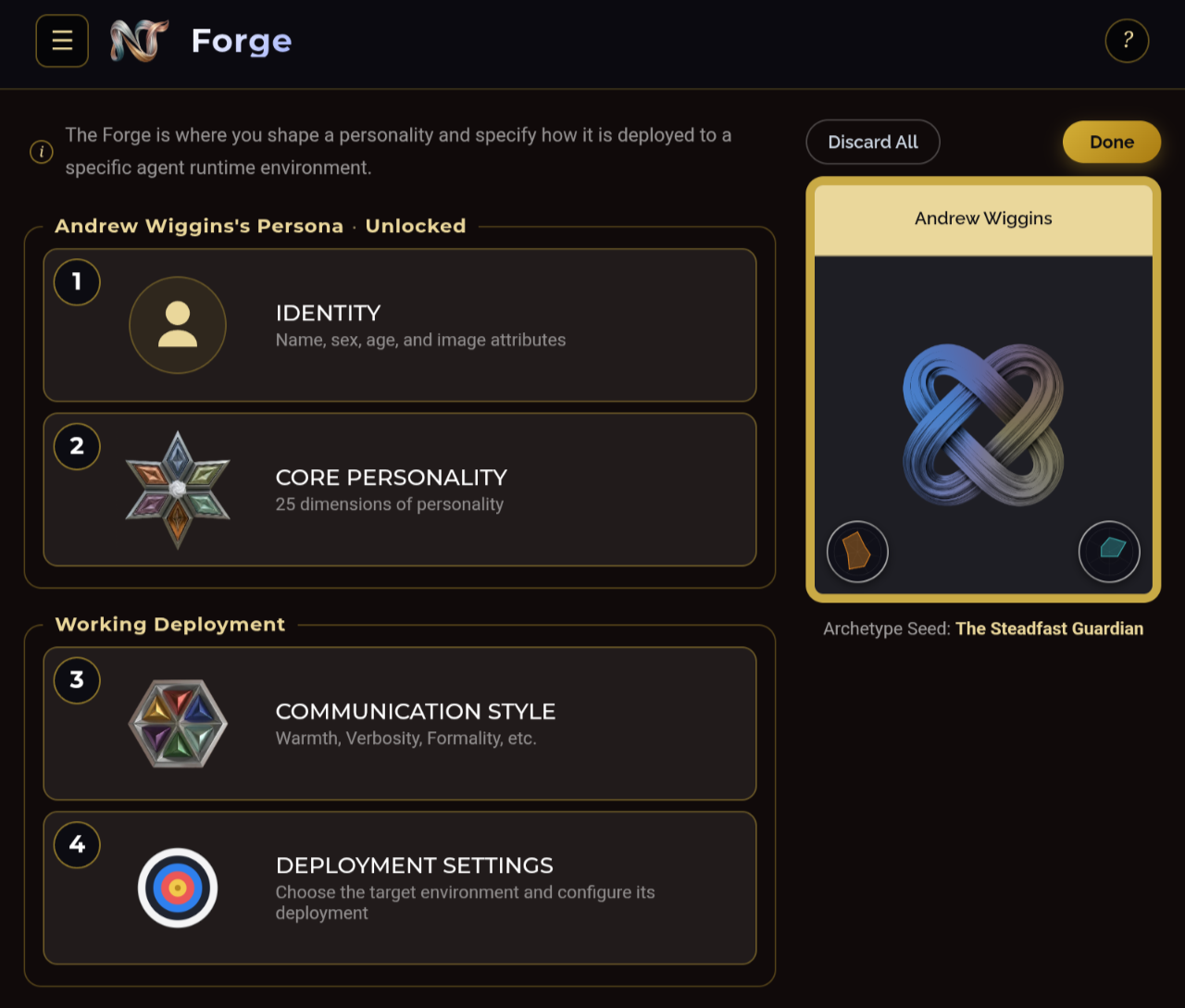
The Forge has four editors; Identity, Core Personality, Communication Style and Deployment Settings.
Identity Editor
(under edit)
Core Personality Editor
(under edit)
Communication Style Editor
(under edit)
Deployment Settings Editor
(under edit)
Display
As you edit a persona in the Forge, the face of the card will change based on where in the design lifecycle it is.
Some users may object to the use of portraits on aesthetic, psychological or philosophical grounds. For those users there is a selection in Settings that will substitute the personality knot sigil for a portrait on the face of all cards.
| 1. | 2. | 3. | 4. |
|---|---|---|---|
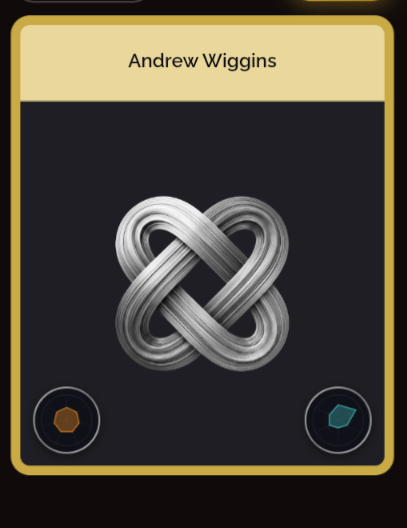 | 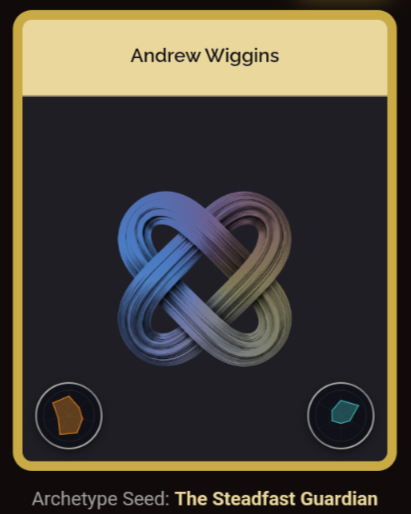 | 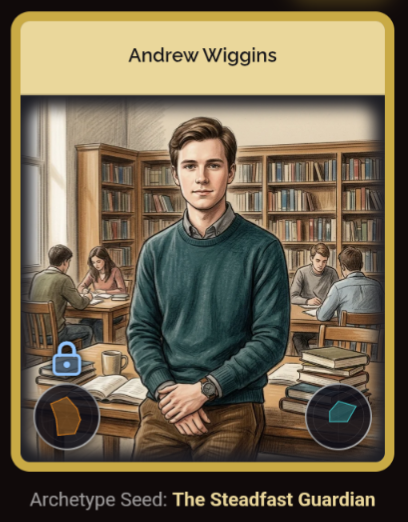 | 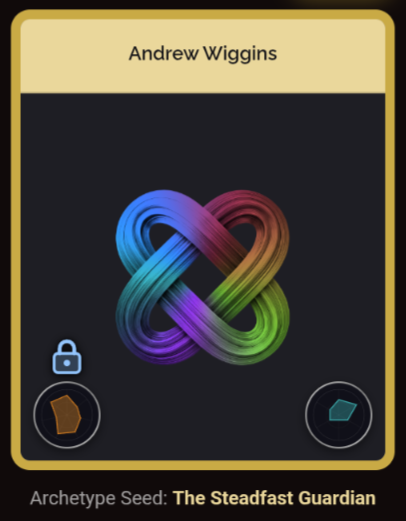 |
| Named | Partially Edited | Locked with portrait display setting | Locked with sigil display setting |
- This persona has been created and named. The Person Knot Sigil is monochrome indicating that there have been no edits to its core personality.
- When you begin editing a persona’s personality its sigil will adopt dimly lit colors that reflect the domain values of its core personality.
- Once you Lock a persona (in the Gallery), the synthesis process will generate a Portrait which will replace the dim Sigil image unless…
- …in Settings you have chosen to use Sigils on cards instead of portraits. In this case a fully formed and locked Sigil will appear on the card face.